LTDHUB | Your #1 Source for Software Lifetime Deals
LTDHUB is the ultimate resource for finding lifetime deals on software products. With LTDHUB, you can save time and money on your next digital product purchase.
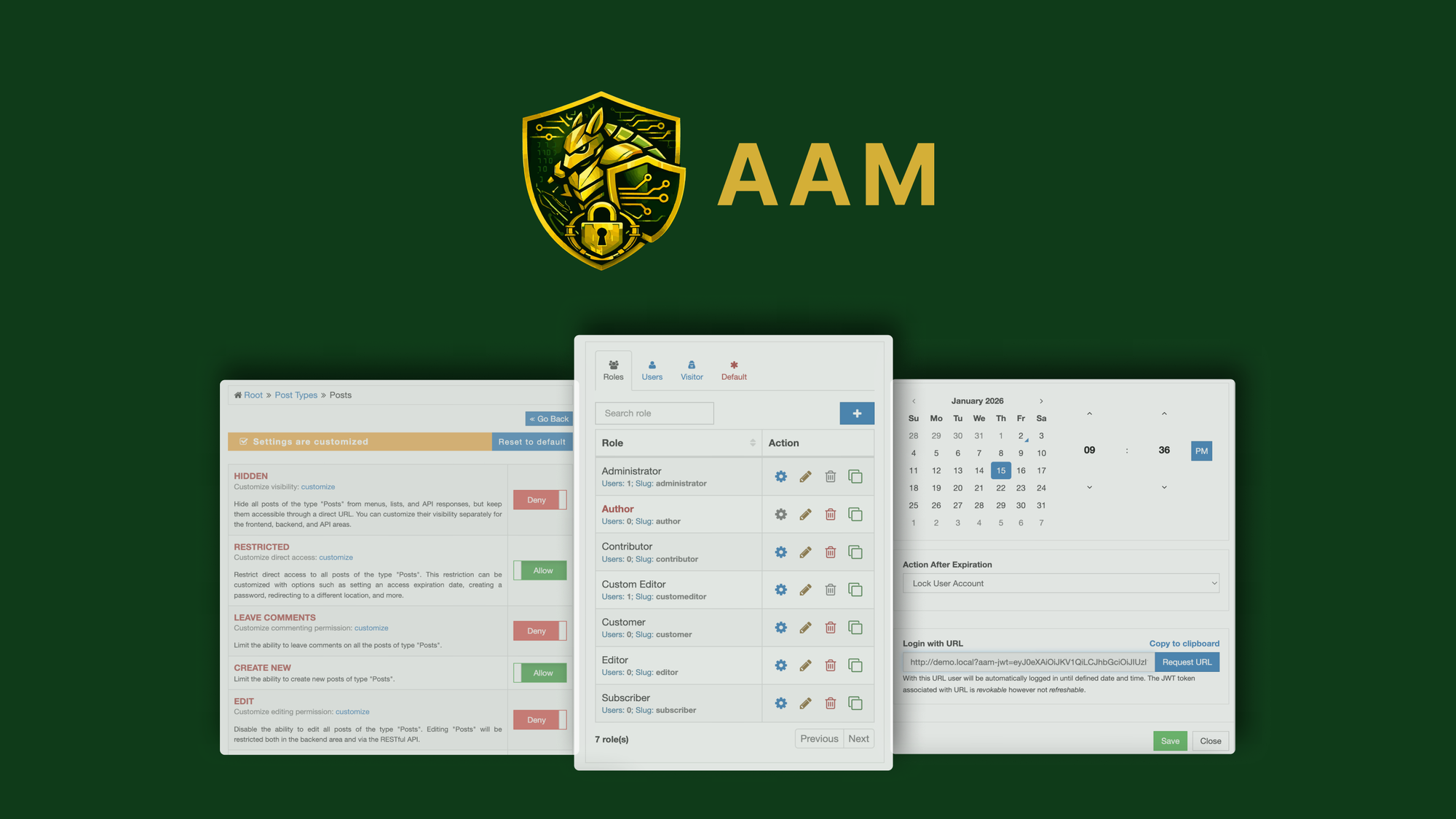

AAM Lifetime Deal
AAM Lifetime Deal allows users to manage WordPress access with granular controls, content restrictions, redirects, and security audits for enhanced site protection.
TL;DR:
- What it is: A WordPress plugin for managing access controls, content restrictions, redirects, and security audits.
- Who it’s for: WordPress site owners, developers, consultants, and freelancers who need granular access control and enhanced security features.
- My Verdict: Good for a specific audience who prioritize WordPress security and role management.
What is AAM?
Advanced Access Manager (AAM) is a WordPress plugin designed to solve the critical issue of broken access controls on websites. It provides tools to manage user roles, permissions, content restrictions, URL access, and security audits. The product aims to empower WordPress site administrators with fine-grained control over who can access what on their websites, ensuring a secure and streamlined experience.
Who Is This Product For? (And Who It’s NOT For):
Who It’s For:
- Developers and Freelancers: Those managing multiple WordPress sites for clients and needing robust access control.
- Consultants: Professionals who handle sensitive client data and require advanced security measures.
- WordPress Site Owners: Individuals or small businesses managing their own WordPress sites and seeking to enhance their site's security and manage user roles effectively.
Who It’s NOT For:
- Non-technical users: The tool seems to require some technical knowledge for configuration, making it less suitable for beginners.
- Non-WordPress users: AAM is specifically designed for WordPress websites, so it won’t be useful for those on other platforms like Wix or Shopify.
- Large enterprises: While the tool offers multi-level access management, it may lack the scalability and support required by large organizations.
A Look at The Key Features:
-
Role-Based Access Control Settings:
- Benefit: Allows users to define, audit, and fine-tune roles and capabilities across their WordPress site. This ensures that users only have access to what they need, reducing the risk of unauthorized actions.
-
Backend Menu Management:
- Benefit: Simplifies the admin experience by hiding menus based on roles or individual users. This helps in creating cleaner, focused workspaces for team members.
-
URL Access Restrictions:
- Benefit: Provides precise control over posts, pages, taxonomies, and custom content by role, user, IP address, or geo-location. This is especially useful for restricting sensitive content.
-
Automated Security Audits:
- Benefit: Runs automated scans to identify risky roles and misconfigurations. This feature ensures that administrators can proactively address vulnerabilities.
-
Password-less & JWT Authentication:
- Benefit: Enhances security by offering modern authentication methods that are more secure than traditional passwords.
Analyzing the Offer & Pricing:
AAM offers five pricing tiers with lifetime access:
- License Tier 1 ($49): For one site installation with basic features like granular backend access and content restriction.
- License Tier 2 ($149): Supports up to 5 site installations and includes developer-level features.
- License Tier 3 ($259): Covers up to 10 site installations with advanced developer tools.
- License Tier 4 ($369): Supports up to 25 site installations with additional features like enhanced developer SDK.
- License Tier 5 ($489): Designed for up to 50 site installations with all premium features included.
The pricing starts at $49 for a single-site license and goes up to $489 for managing up to 50 sites. The higher tiers offer additional features like multi-level access management, enhanced developer SDK, password-less authentication, and JWT authentication. The plans are competitively priced considering the lifetime access, but they may not be ideal for those managing only one or two sites due to the higher cost of advanced tiers.
Pros & Cons:
Pros:
- Comprehensive role-based access control with granular permissions.
- Automated security audits provide a clear view of potential vulnerabilities.
- Includes modern authentication methods like password-less and JWT.
- Lifetime access with no recurring fees.
- Multiple pricing tiers to cater to different scales of usage.
Cons:
- Limited to WordPress sites; no support for other CMS platforms.
- May require technical expertise for setup and customization.
- Advanced features like multi-level access management are only available in higher-priced tiers.
Alternatives & Competitors:
- MemberPress: A popular WordPress plugin focused on membership sites. While it provides some access control features, it lacks the granular security and auditing capabilities of AAM.
- User Role Editor Pro: Another WordPress plugin that allows role customization but doesn’t offer the same level of automation or security auditing as AAM.
Final Verdict: Should You Buy It?
Good for a Specific Audience: AAM is an excellent choice for developers, freelancers, consultants, and small businesses that rely on WordPress and need robust access control and security features. However, it may not be ideal for non-technical users or those using platforms other than WordPress. Additionally, its advanced features are locked behind higher-priced tiers, which might not suit users managing only one or two sites.