TL;DR:
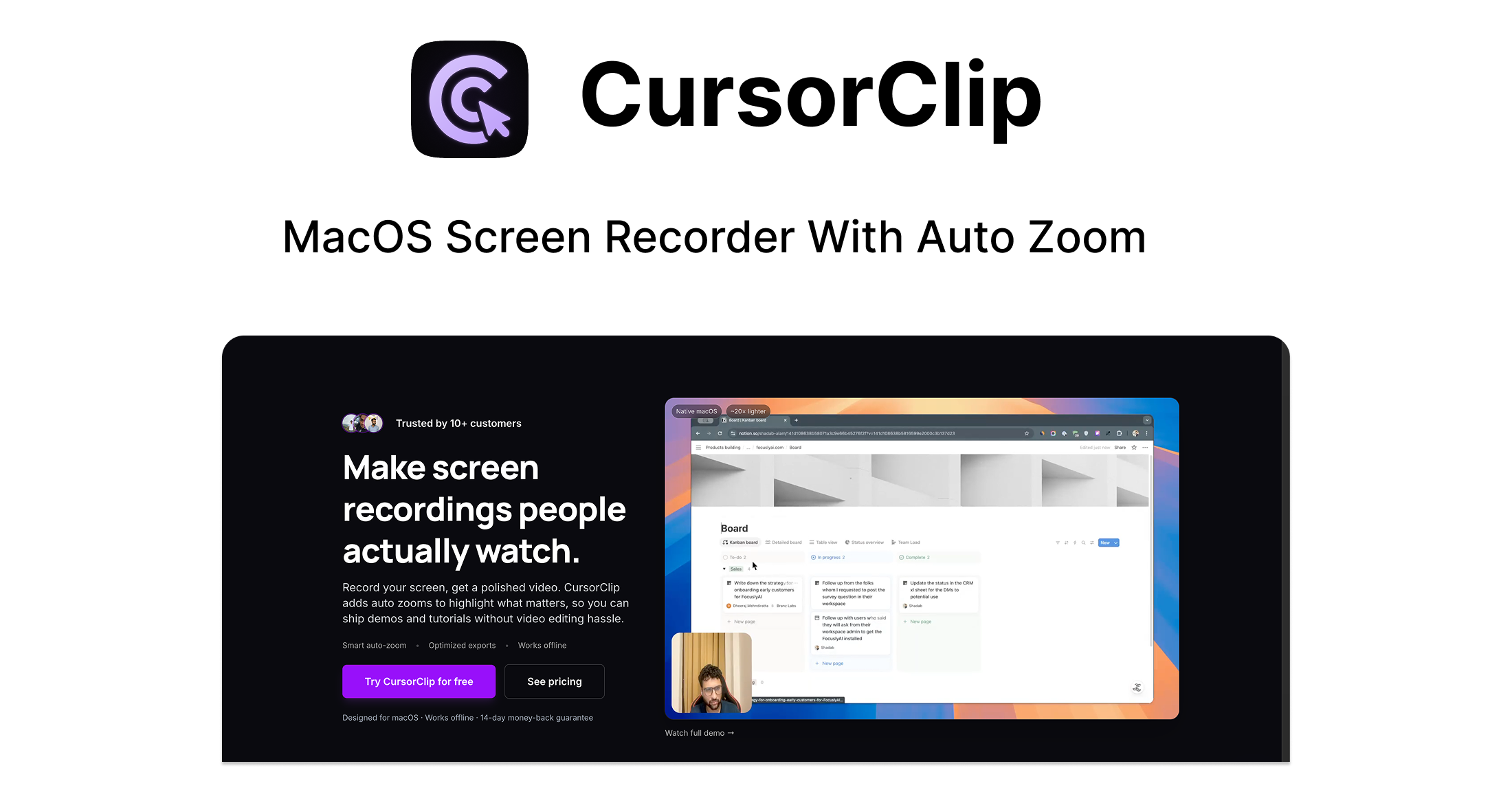
- What it is: CursorClip is a lightweight macOS app that automatically turns screen recordings into polished, cinematic demos by intelligently zooming and panning around your cursor.
- Who it's for: Founders, educators, marketers, and creators who need to produce professional-looking demos and tutorials quickly, without video editing skills.
- My Verdict: A fantastic value proposition for its target audience, offering a simple solution to a common problem.
What is CursorClip?
CursorClip solves a core problem for anyone who makes screen recordings: turning a raw, static video into a dynamic, easy-to-follow presentation. Instead of showing your entire screen, the software automatically follows your cursor, zooming in on clicks and other interactions. It's designed to create a polished, "cinematic" final product right after you stop recording, eliminating the need for manual video editing.
Who Is This Product For? (And Who It's NOT For):
Based on the landing page, this product is a perfect fit for:
- Founders & Indie Makers who need to create professional product demos for landing pages, investors, or user onboarding without a big budget or time investment.
- Educators & YouTubers who want to make their tutorials clearer and more engaging by automatically focusing on the important parts of the screen.
- Marketers & Agencies who need to produce sleek walkthroughs and reports for clients that look polished straight out of the box.
However, it's likely NOT for:
- Windows or Linux Users: The app is explicitly a native macOS application.
- Professional Video Editors: Anyone needing granular control with timelines, complex transitions, color grading, or multiple video tracks will find it far too basic.
- Large Enterprise Teams: The tool appears focused on individual users, lacking features for team collaboration, asset management, or advanced security protocols.
A Look at The Key Features:
- AutoZoom that follows your cursor: This is the core feature. The app intelligently tracks your cursor and applies smooth zoom and pan effects to highlight key actions. The benefit is a recording that naturally directs the viewer's attention, making it much easier to follow.
- Camera Capture: You can record your webcam feed alongside your screen. This is crucial for adding a personal, human element to demos and tutorials, which helps build trust and engage the audience.
- Zero-Edit Workflow: The promise is "record, preview, export." By automating the camera movements, it removes the entire post-production phase. This saves a massive amount of time compared to using traditional screen recorders and then editing in a separate program.
- Ultra-Light Native App: At only 18 MB, it's a tiny application that won't slow down your Mac. This is a significant benefit compared to larger, resource-heavy video software that can be slow to launch and run.
Analyzing the Offer & Pricing:
CursorClip is being offered as a Lifetime Subscription, which represents excellent value.
- Plan: CursorClip – Lifetime Subscription
- Price: A one-time payment of $59 (a 39% discount from the regular price of $97).
- What's Included:
- All core features.
- Unlimited, watermark-free exports.
- The ability to work fully offline.
- A one-time license that is yours forever.
- Guarantee & Conditions: The purchase includes a 30-day money-back guarantee. However, you must redeem your purchase code within 60 days.
For a one-time fee of $59, getting lifetime access to a tool that solves such a common problem is an extremely strong value proposition, especially when competitors often charge that much (or more) per year.
Pros & Cons:
Pros:
- Incredibly Simple: Designed for non-editors to get a professional result.
- Saves Significant Time: The "zero-edit" workflow eliminates the entire post-production process.
- Excellent Value: The $59 lifetime deal is highly competitive and removes the burden of recurring subscriptions.
- Lightweight and Fast: As a small, native macOS app, it's efficient and won't bog down your system.
Cons (Inferred):
- macOS Only: This is the biggest limitation, as it excludes a huge market of Windows users.
- Lack of Customization: The "smart" tracking is the main feature, but users who want to manually adjust the zoom, timing, or transitions have no control.
- Future Features are "Upcoming": Key features like instant shareable links are not yet available, so you are buying into a promise of future development.
Alternatives & Competitors:
- ScreenFlow / Camtasia: These are the industry heavyweights. They are far more powerful, offering full-featured editing suites with timelines, effects, and advanced export options. However, they are also more complex, much more expensive (with subscription or high upfront costs), and have a steeper learning curve. CursorClip competes by being simpler, faster, and cheaper.
- Loom: Loom is excellent for quick, shareable video messages, but its primary focus is on ease of sharing and asynchronous communication. CursorClip focuses more on creating a polished, cinematic final product rather than just the recording and sharing process.
Final Verdict: Should You Buy It?
Highly Recommended
For its target audience of Mac-using founders, marketers, and educators, CursorClip is a fantastic tool at an exceptional price. It solves a real, time-consuming problem with an elegant and simple solution. While it lacks the power of professional video editors, that is entirely the point. It trades complexity for speed and delivers on its promise of creating polished demos in minutes. The $59 lifetime deal makes this a low-risk, high-reward purchase for anyone who regularly records their screen to explain or demonstrate something.